CapCut
CapCut for PC with all basic editing tools including resizing, trimming, and cutting.

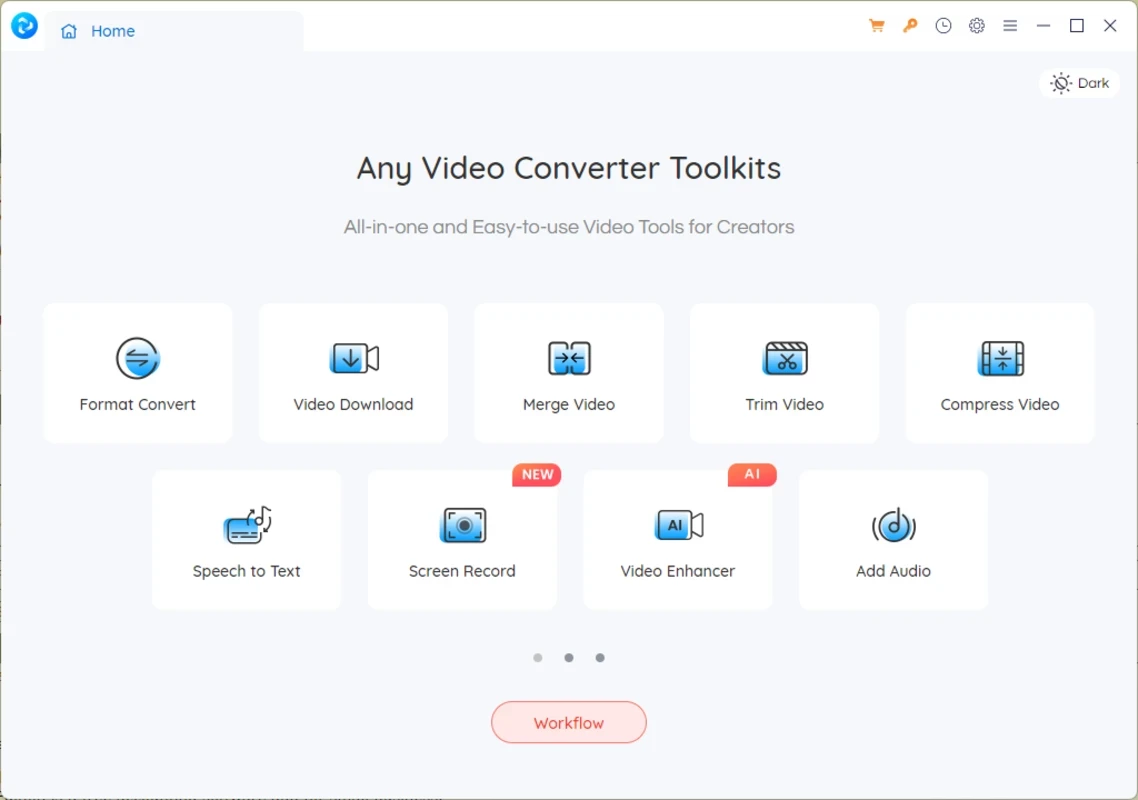
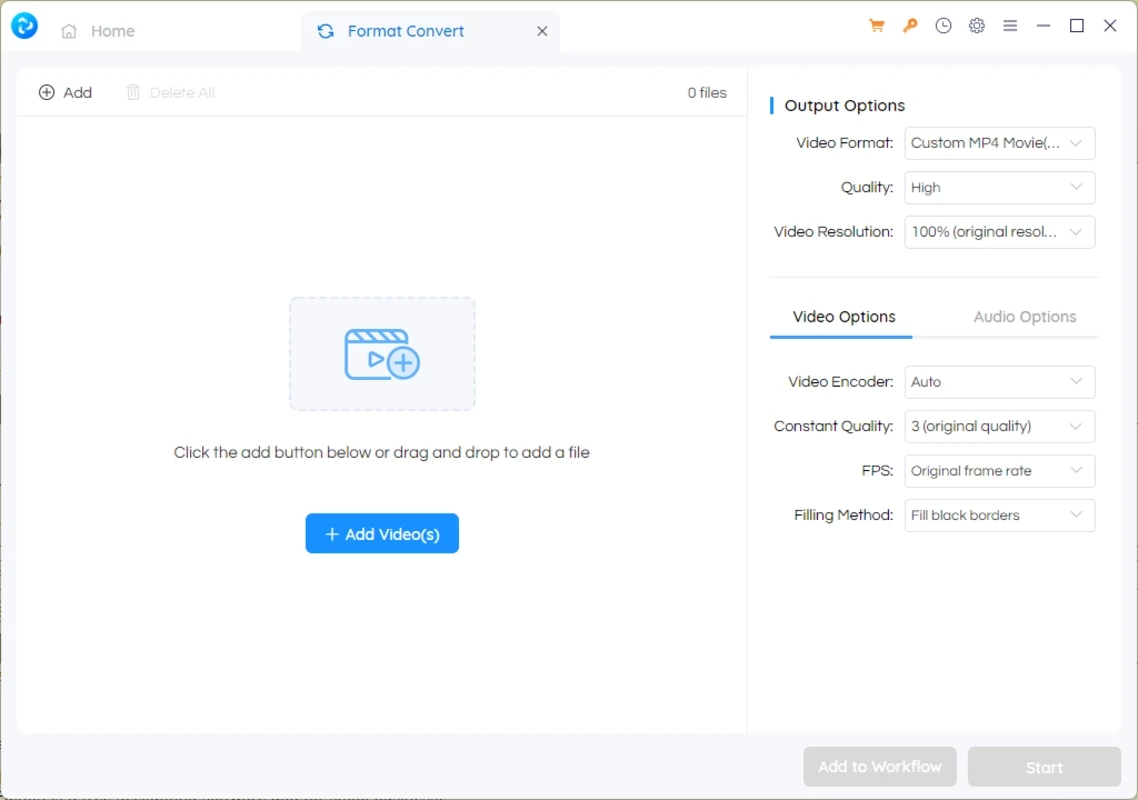
Any Video Converter is a powerful and versatile software to allows users to convert, edit, download, and record videos with support for multiple file formats. It is a free and lightweight utility that offers a fool-proof, secure video experience while avoiding ads, watermarks, and other malicious content.
The open-source software offers compatibility for all types of Windows, including Windows 7 to Windows 11. The user-friendly interface with quick navigation offers a hassle-free video converting process while offering a huge collection of innovative features.
Any Video Converter, developed by Anvsoft Inc. and falling in the Converters category, is available for Windows as well as Mac operating systems. It is free and open-source utility that offers a versatile workflow for converting, editing, downloading, and recording your favorite videos. It allows users to download videos from any popular video-sharing platform and convert them into the format they like.
The support for a huge collection of multimedia formats and a wide array of features make the software one of the best solutions that you can use for free. It is also embedded with a security program, and is capable of changing the default search engine to Yahoo for your ease in searching videos more reliably.
The software with a streamlined interface offers quick and easy navigation while simplifying the video conversion more reliably. All the features are quickly accessible from the main window, and the app guides the users while offering tips, and also enables the users to customize the interface according to their preferences.
The app supports a wide array of multimedia formats, so you can easily convert your downloaded content into the format you like, or suits better to all devices better. It proves a go-to choice for video enthusiasts while managing videos from various resources. The supported formats are MOV, M2TS, MVF, OGM, MOD, FLV, TS, TP, DVR-MS, and DivX for converting clips. Likewise, AVI, WMV, MPEG-1, MPEG-2, MKV, 3GP, and 3G2 are also supported. It also enables users to convert their videos into the MP3 format.
The app has versatility and flexibility of functionality, making your extraction as well as conversion of audio/video quite easy. So, you can convert audio formats, including MP3, AAC, FLAC, etc, while extracting audio tracks from CDs.
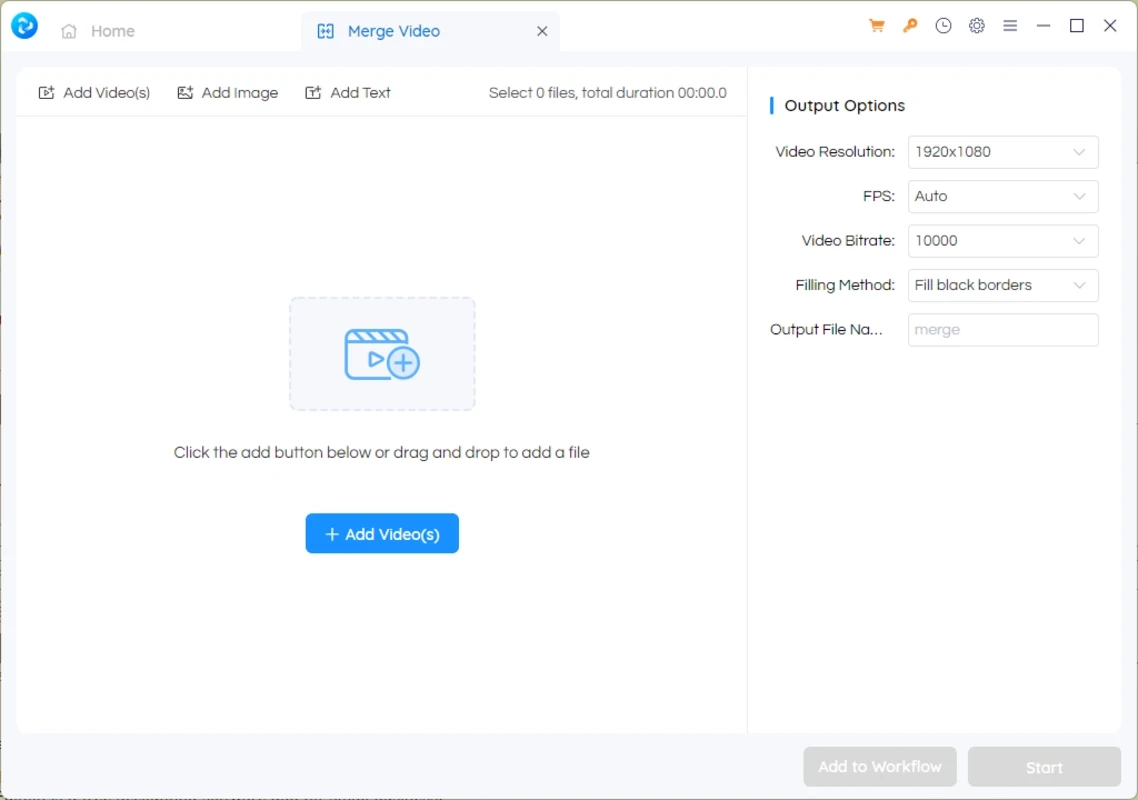
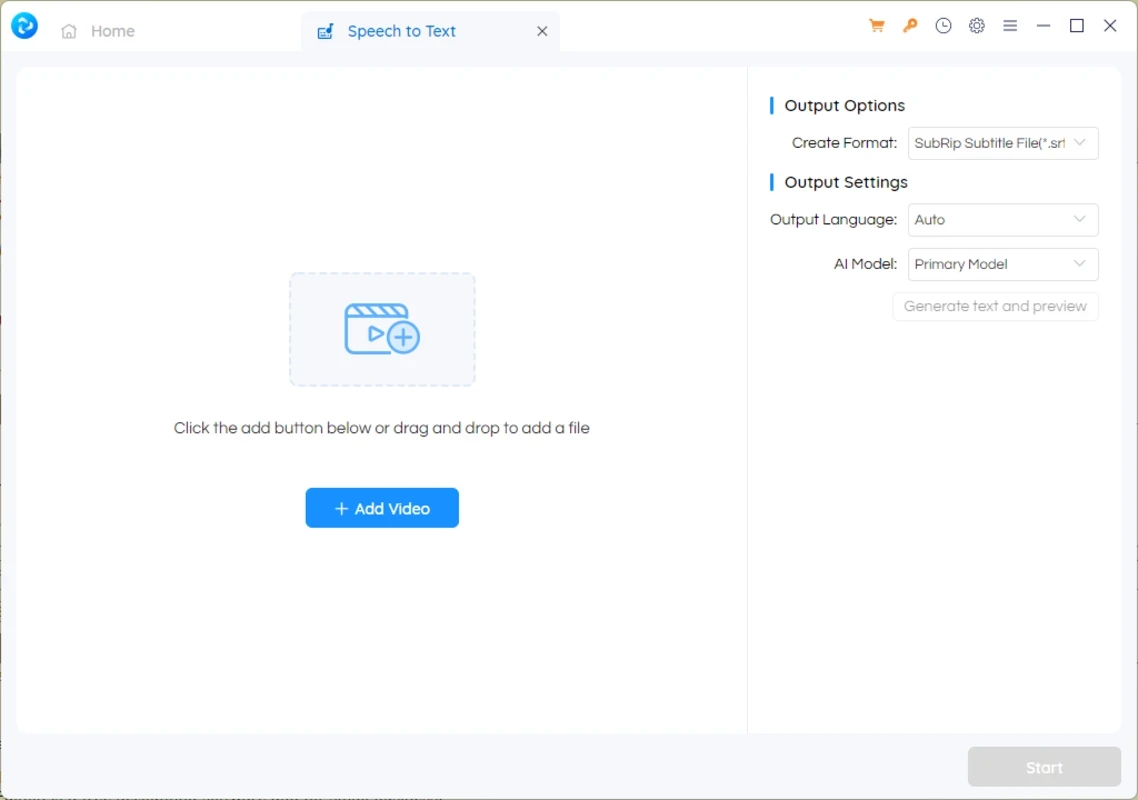
The converter also offers editing facilities as well, while offering all basic video editing features, such as you can create short clips while trimming and cropping long videos. Remove unwanted sections as well as black edges, and split your favorite videos into segments. It also offers a merge feature for combining multiple clips to create an awesome collage. In addition, you also enhance the video quality while adding effects, watermarks, subtitles, and external SRT subtitles.
You also capable of customizing your videos, including codecs, dimensions, bitrate, frame rate, audio quality, and so on. So, you can manage your videos in the way you like, before you convert them into the format according to your taste.
You can also burn your DVDs and use them for playback on DVD players. You will find templates for DVD menus, formats such as NTSC or PAL. It is possible to convert personal DVDs, folders, or ISO images into different audio/video formats. In addition, the app offers seamless compatibility for all types of digital devices, including iPhone, Android devices, PlayStation, Xbox, and so on. It is also compatible with the web version, including HTML5 formats.
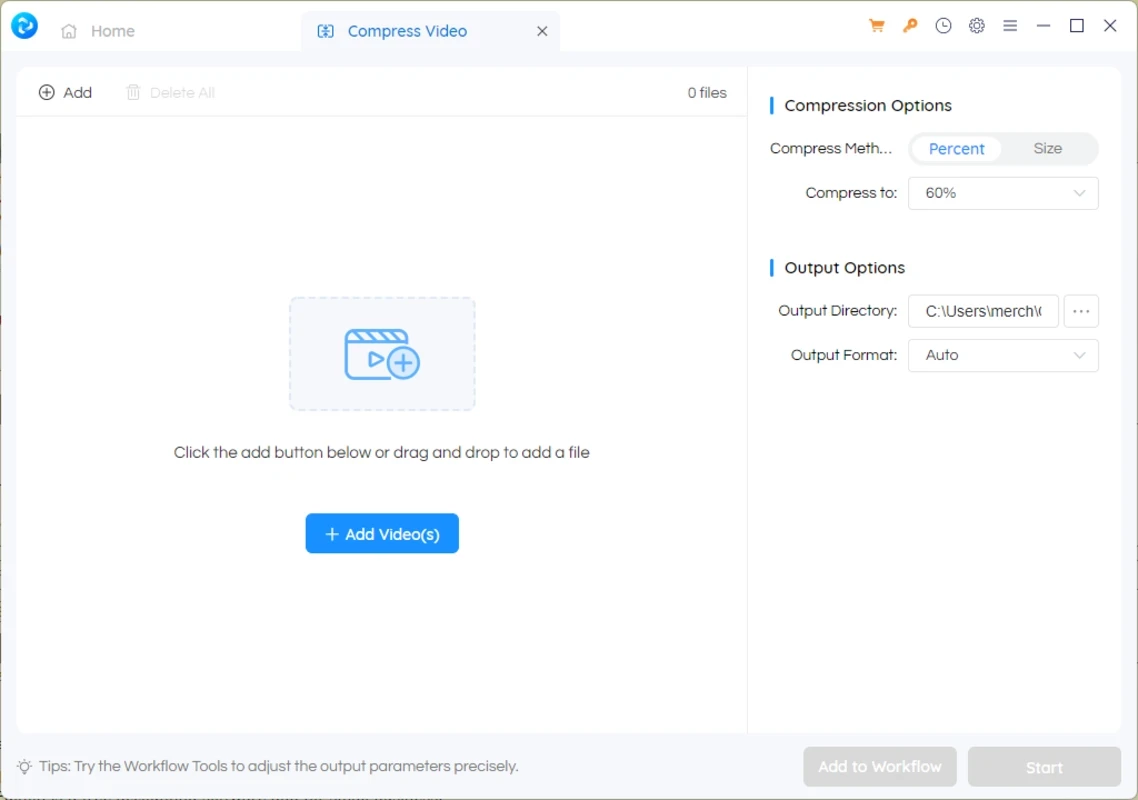
The software offers support for HEVC and H.265 for utilizing video coding to quickly convert and get better video quality. You also improve the conversion capabilities while using AMD’s GPU and Intel's graphics cards and CPU. You also compress the videos without losing the quality, and create exciting clips while removing the unwanted content.
You will find 100% safe and secure video converting as well as downloading process without any threat of malware or other viruses. It also offers an ad-free atmosphere to make your conversion quick and smooth.
You can get the output as you desired, as the app helps to take an overview in real-time, which helps you to monitor the conversion process. It also allows you to convert multiple videos simultaneously, and helps to download your favorite videos from multiple video-sharing platforms, including YouTube, Vimeo, etc.
Pros
Cons

CapCut for PC with all basic editing tools including resizing, trimming, and cutting.

Get optimized converted multimedia files with Format Factory

Green Convert is a free video converter to offers a quick conversion and editing videos with support for limitless formats

Free Cam, capture, record, and edit videos to upload directly on YouTube

VLC supports multiple audio/video formats to play your multimedia.

Streamlabs OBS is a offer you online and offline broadcasting.